
Image Restoration Tool
Upload your old photos to restore, colorize, and enhance them with Flux 2 technology
AI-powered image editing
Z Image 6B Parameter AI
Restored Images
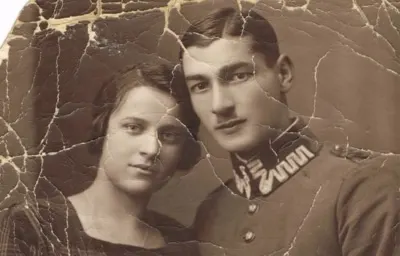
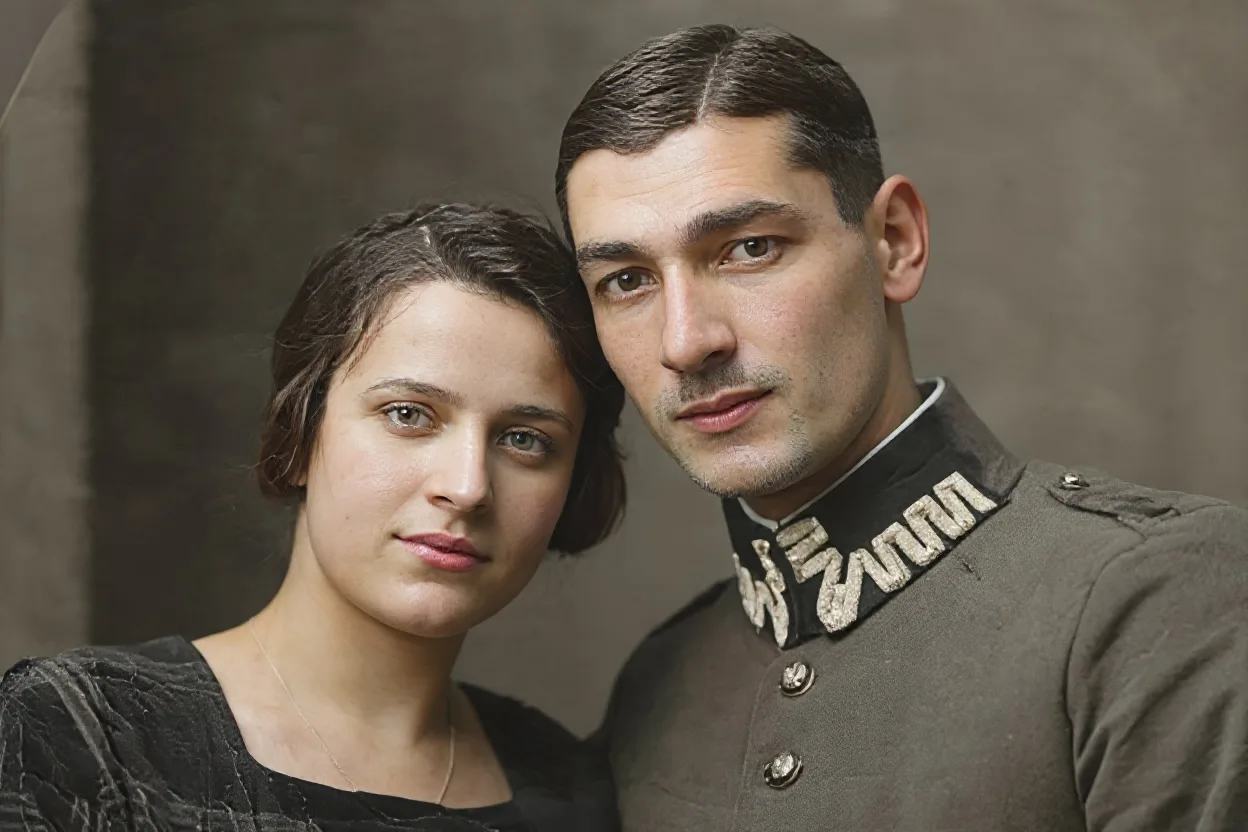
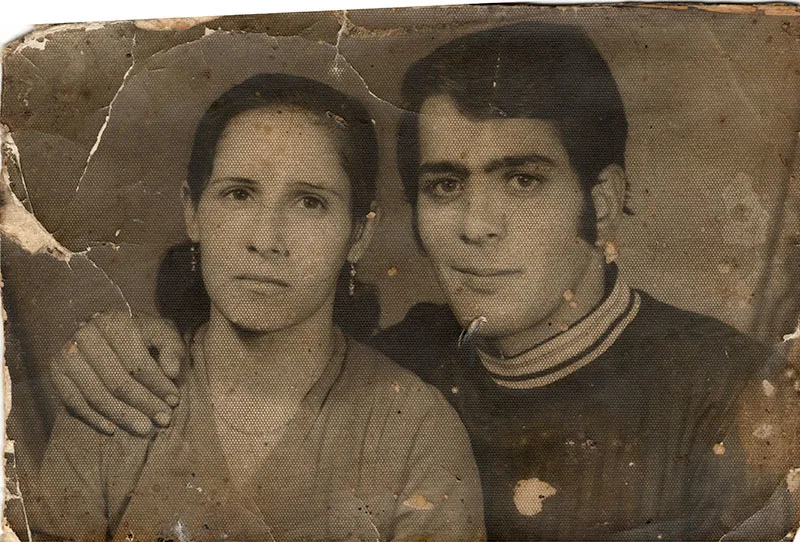
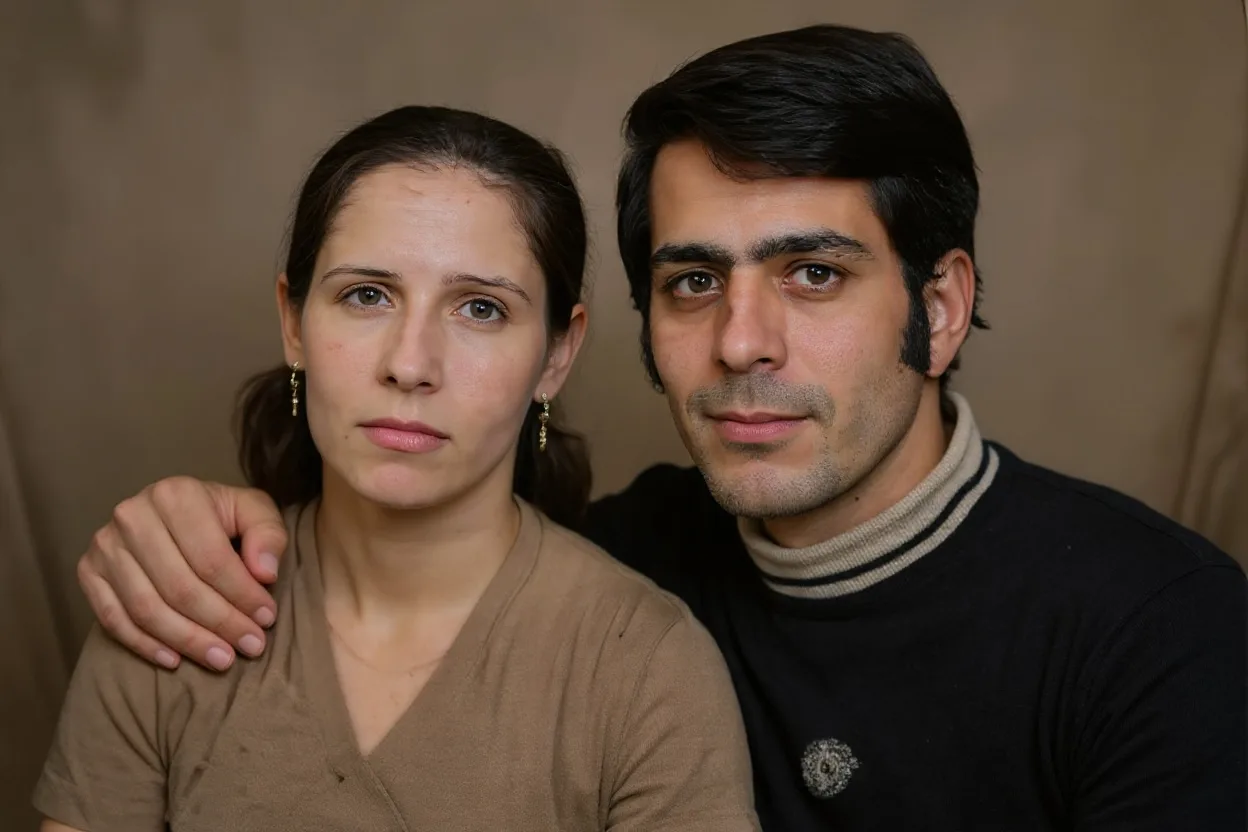
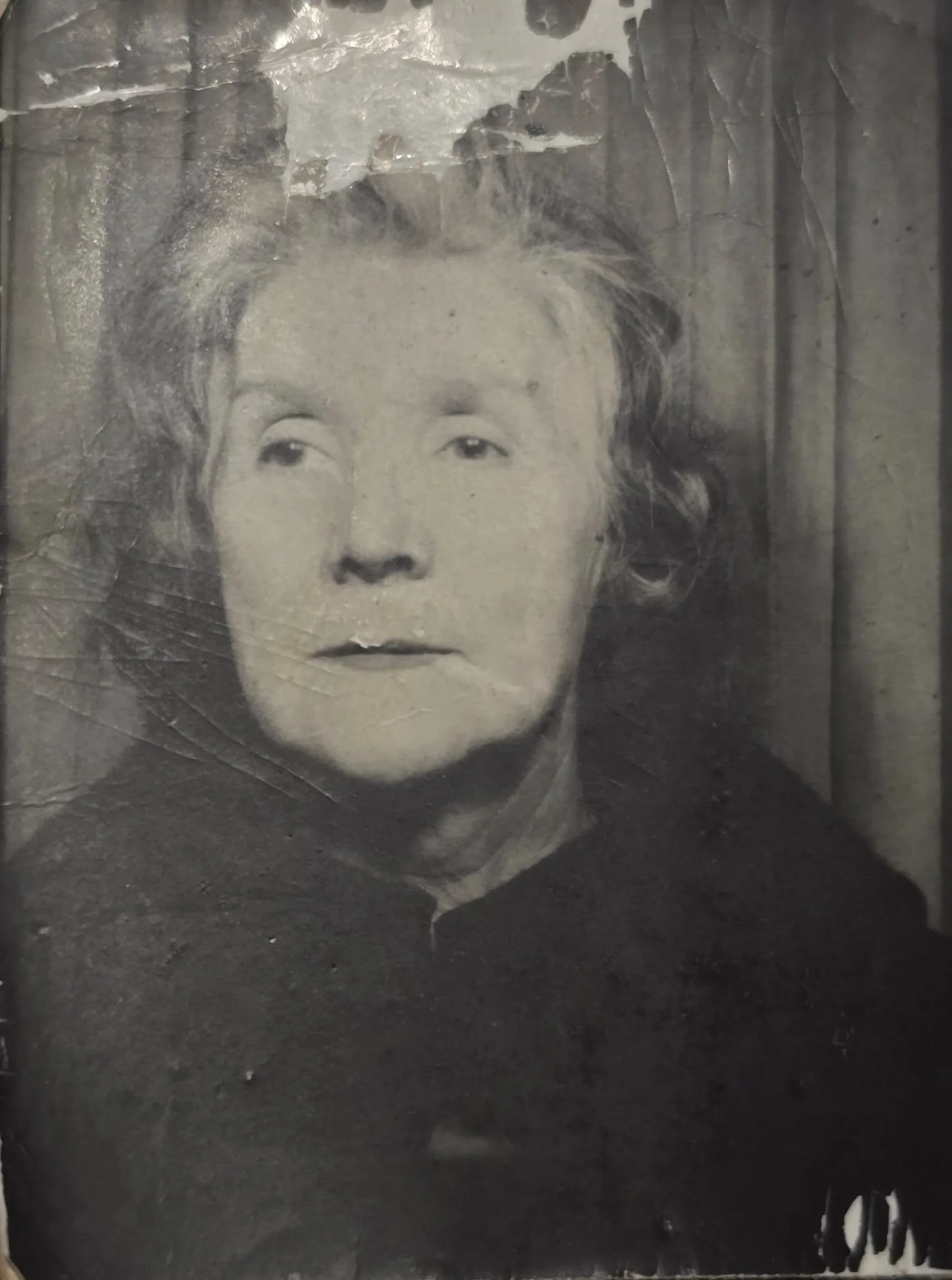
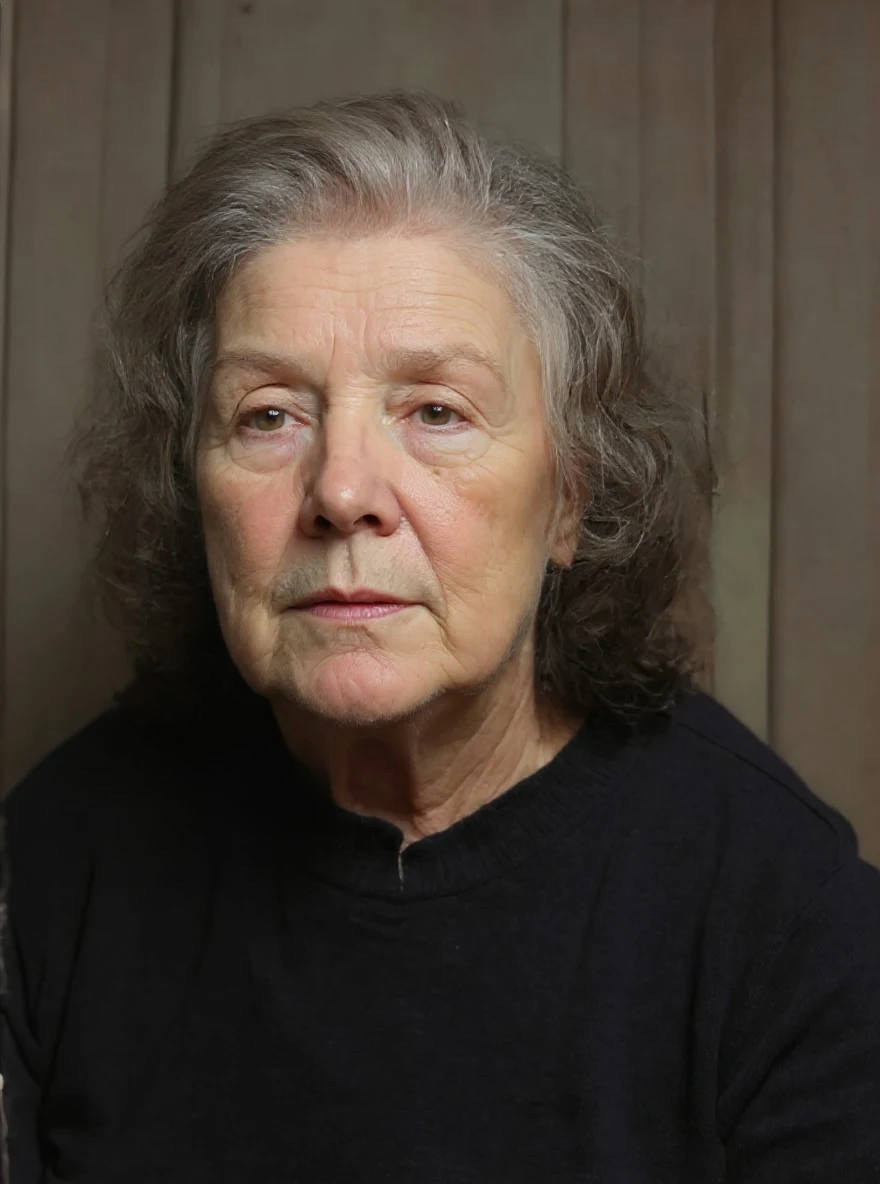
Image Restoration
Restore & Colorize & Upscale old photos with Flux 2
Examples
See what you can create
Image Restoration FAQ
Common questions about using Image Restoration
Our AI analyzes damaged, faded, or low-quality images and automatically restores them by filling in missing details, enhancing colors, and improving resolution.
We can restore old family photos, faded documents, damaged portraits, black & white photos (with colorization), and low-resolution images.
The AI restoration process typically takes 30-60 seconds depending on image complexity and server load.
We process your images securely and do not store them on our servers. You can download the restored versions immediately after processing.
Still have questions? Contact support@zimage.im