
LinkedIn Headshot Tool
Upload your photo to create a professional LinkedIn headshot with Flux 2
AI-powered image editing
Z Image 6B Parameter AI
Professional Headshots
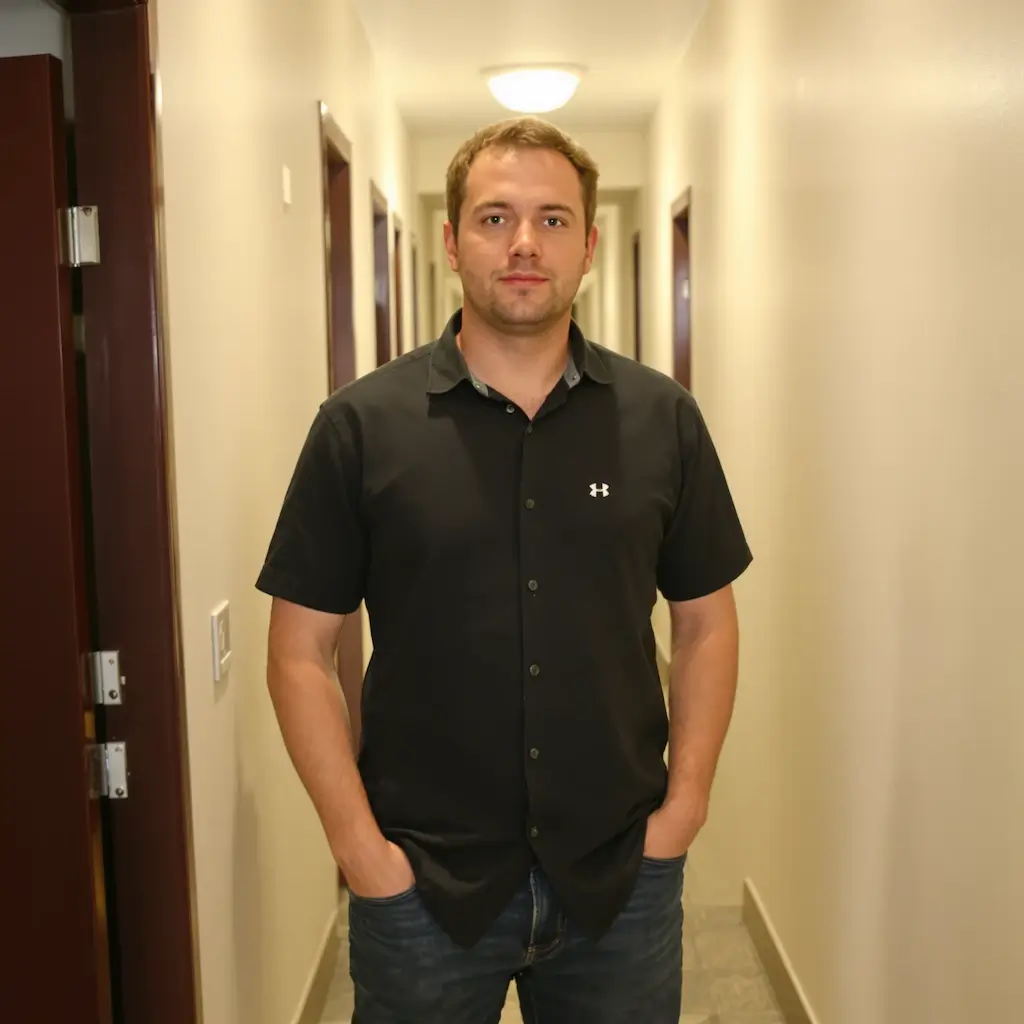
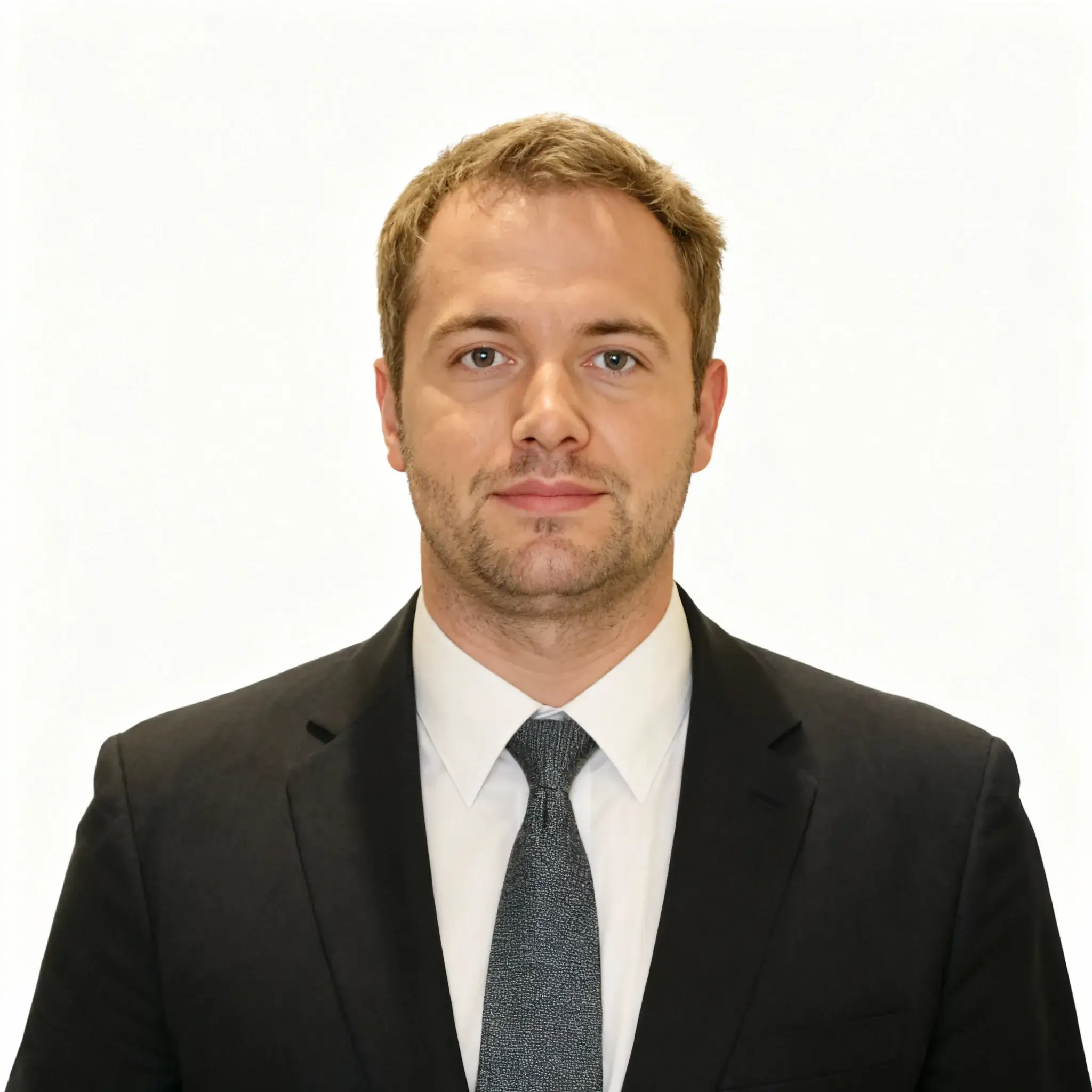
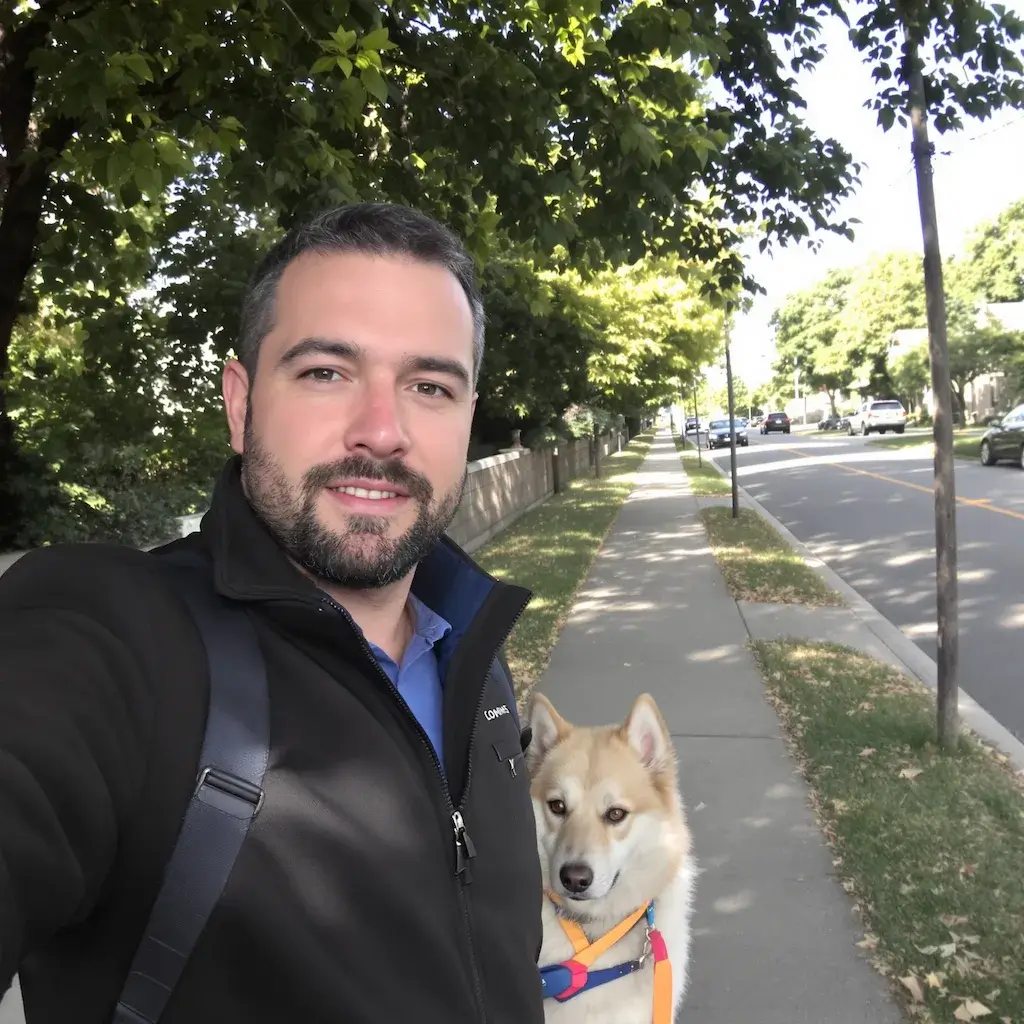


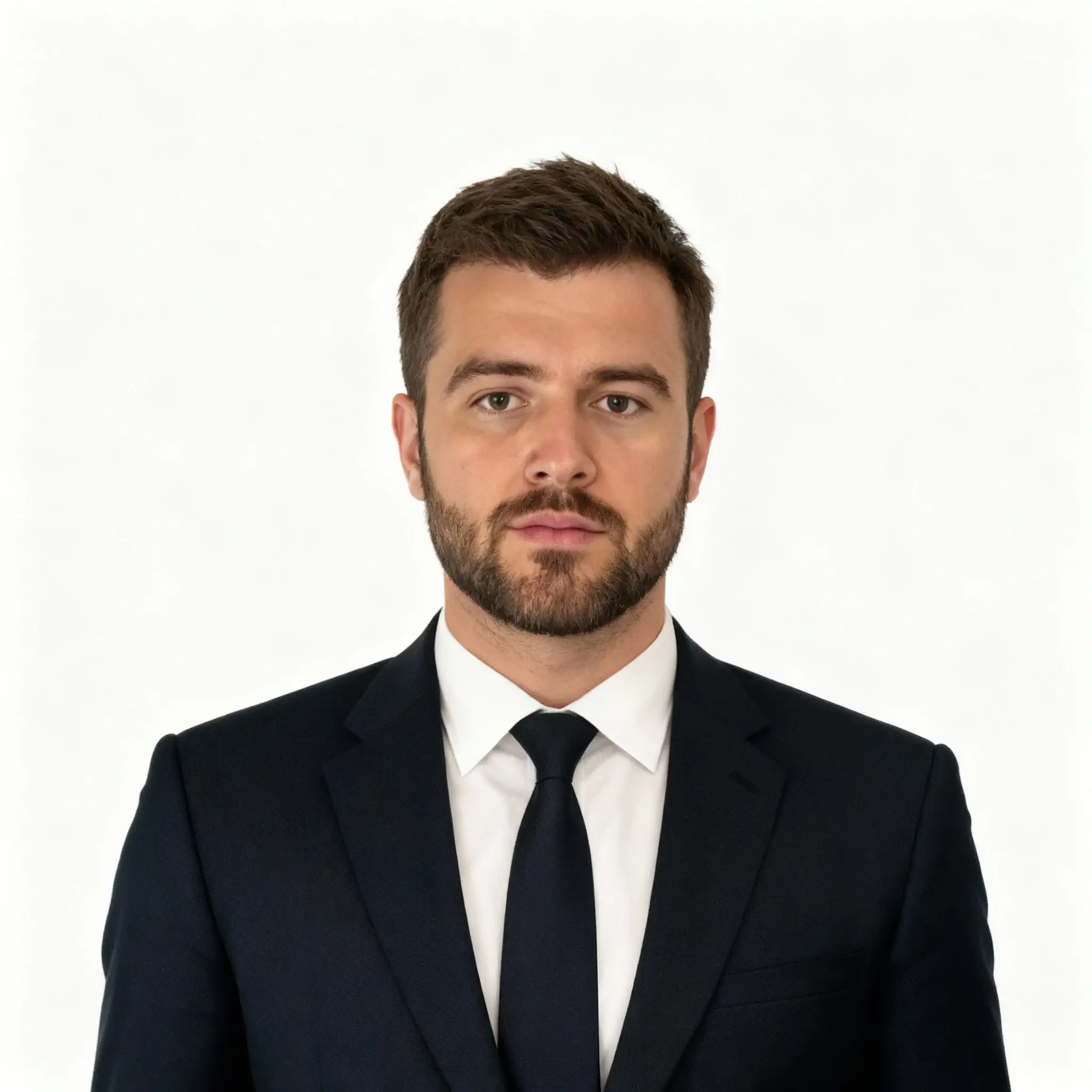
LinkedIn Headshot Generator
Transform casual photos into professional LinkedIn headshots with Flux 2
Examples
See what you can create
LinkedIn Headshot Generator FAQ
Common questions about using LinkedIn Headshot Generator
A professional LinkedIn headshot features formal posture, business attire, direct eye contact, and a clean background. Flux 2 automatically transforms your casual photos to meet these professional standards.
Your original image must be larger than 50 pixels with a clearly visible, unobstructed face. The photo should contain only one person for optimal results. Flux 2 will handle the rest of the transformation.
Flux 2 uses advanced AI to adjust your posture to formal centered positioning, add professional business attire, create a pure solid background, and ensure direct eye contact with studio portrait quality.
Absolutely! The generated headshots are optimized for LinkedIn profiles and meet all professional standards. They're yours to use on LinkedIn, resumes, company websites, or any professional platform.
No problem! Flux 2 will automatically add appropriate business attire to your image, ensuring you look professional regardless of what you were wearing in the original photo.
The LinkedIn headshot generation typically completes in 30-60 seconds, delivering a professional-quality image ready for immediate use on your LinkedIn profile.
Yes, Flux 2 creates highly realistic transformations that maintain your facial features and identity while enhancing the professional aspects. The result looks like a genuine studio photograph.
Yes, you can generate multiple professional headshot variations from the same or different photos. Each generation uses 2 credits and provides a unique professional transformation.
Still have questions? Contact support@zimage.im