
Sketch Conversion Tool
Transform your photos into hand-drawn pencil sketches with graphite textures and artistic shading
AI-powered image editing
Z Image 6B Parameter AI
Pencil Sketches
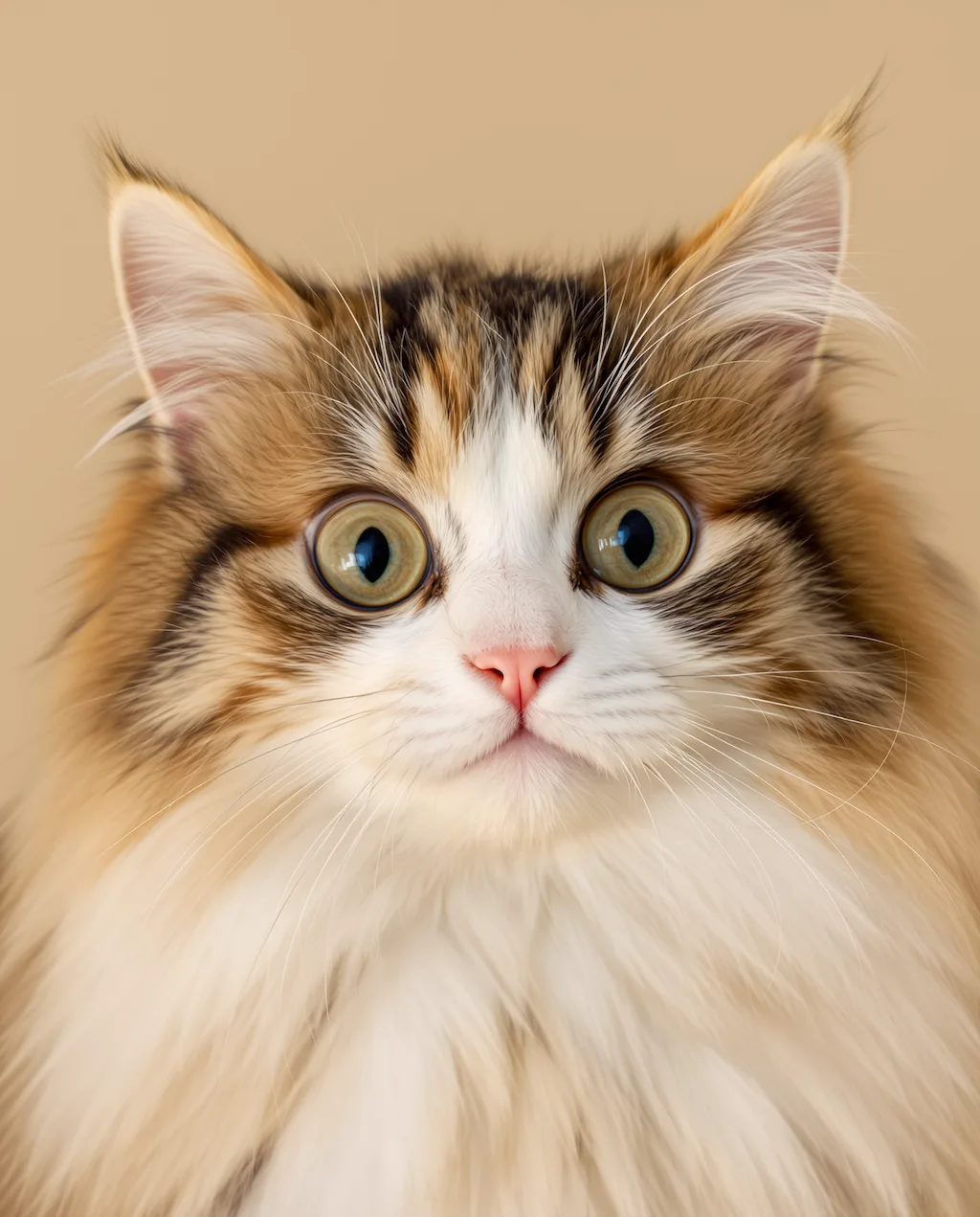
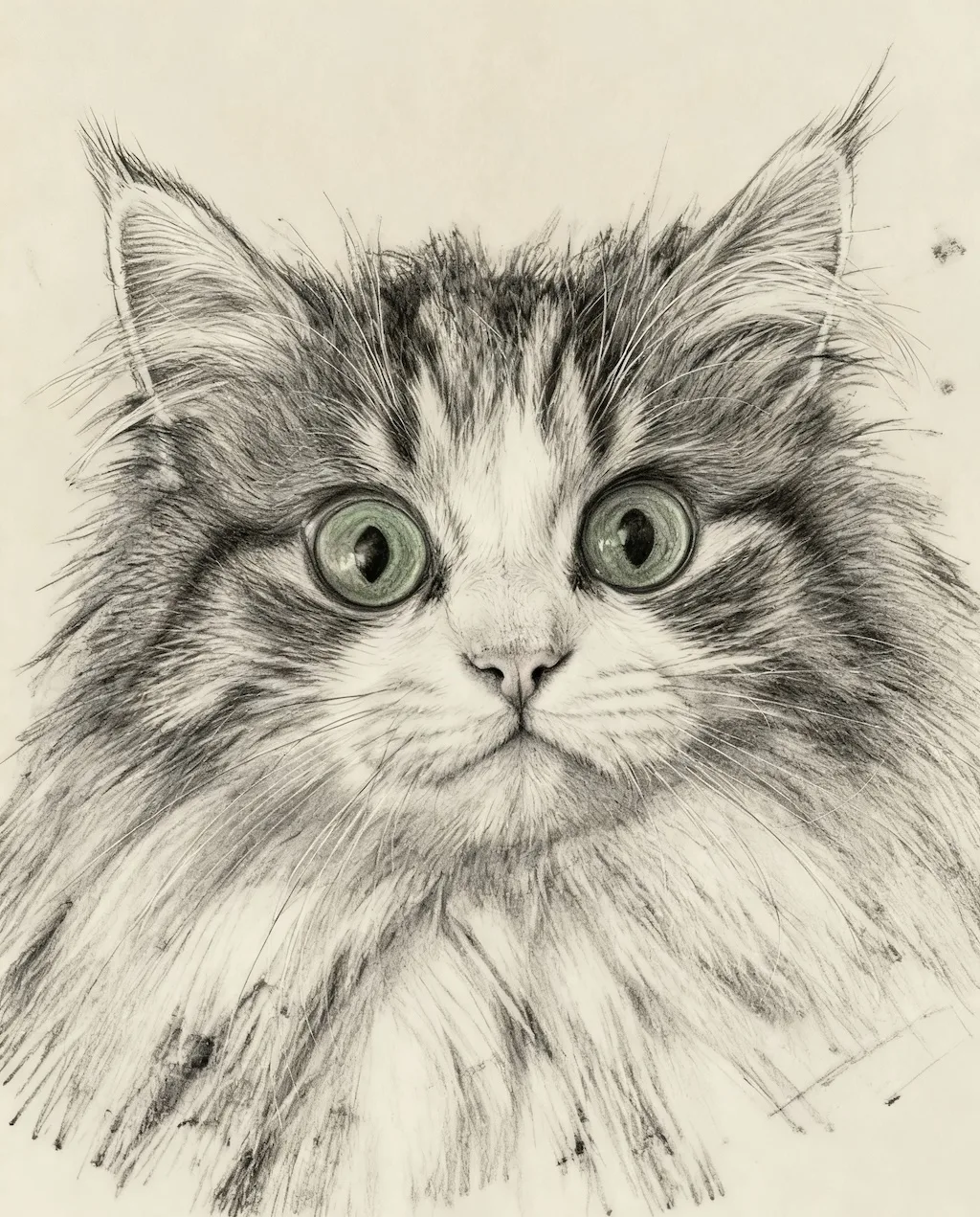
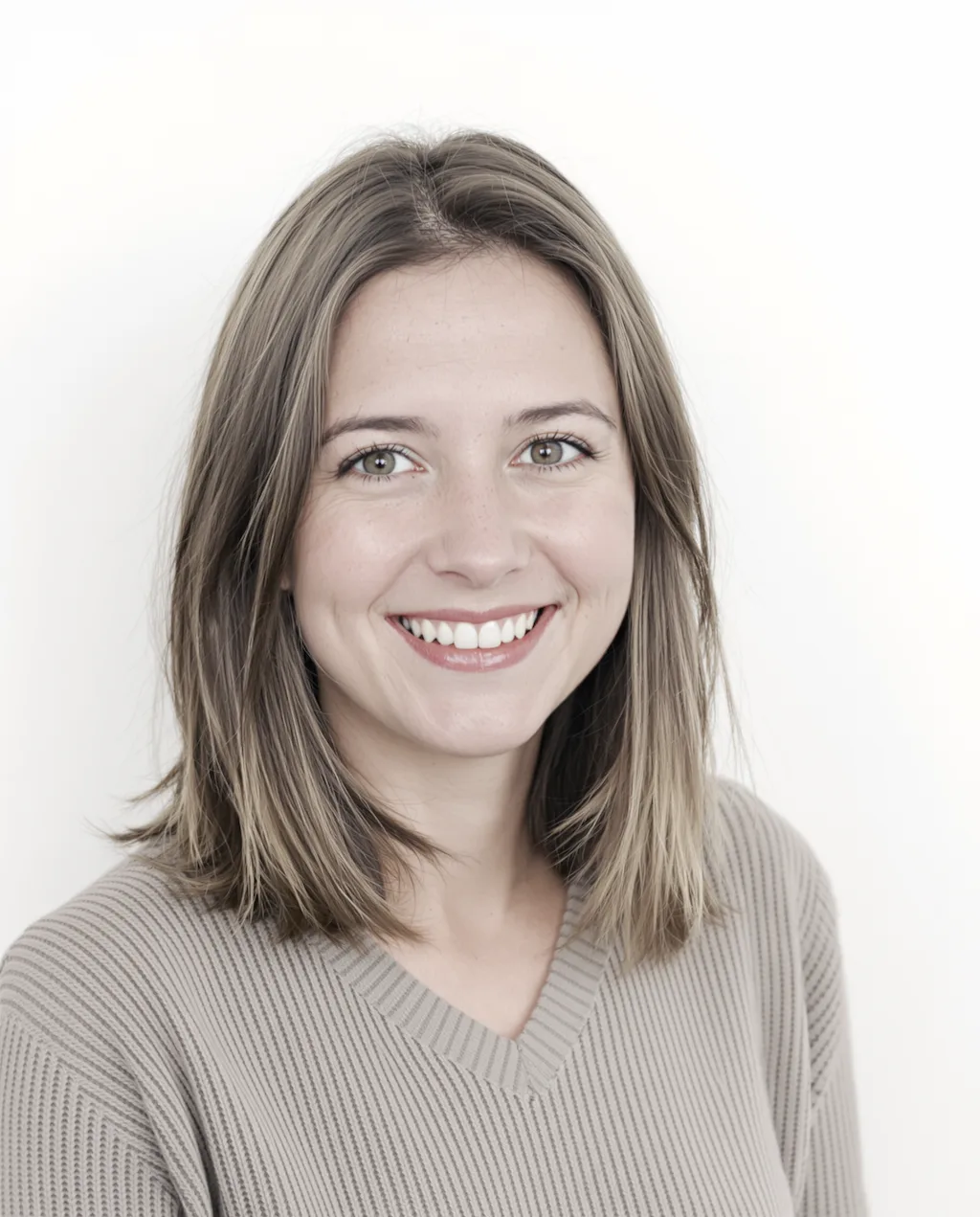
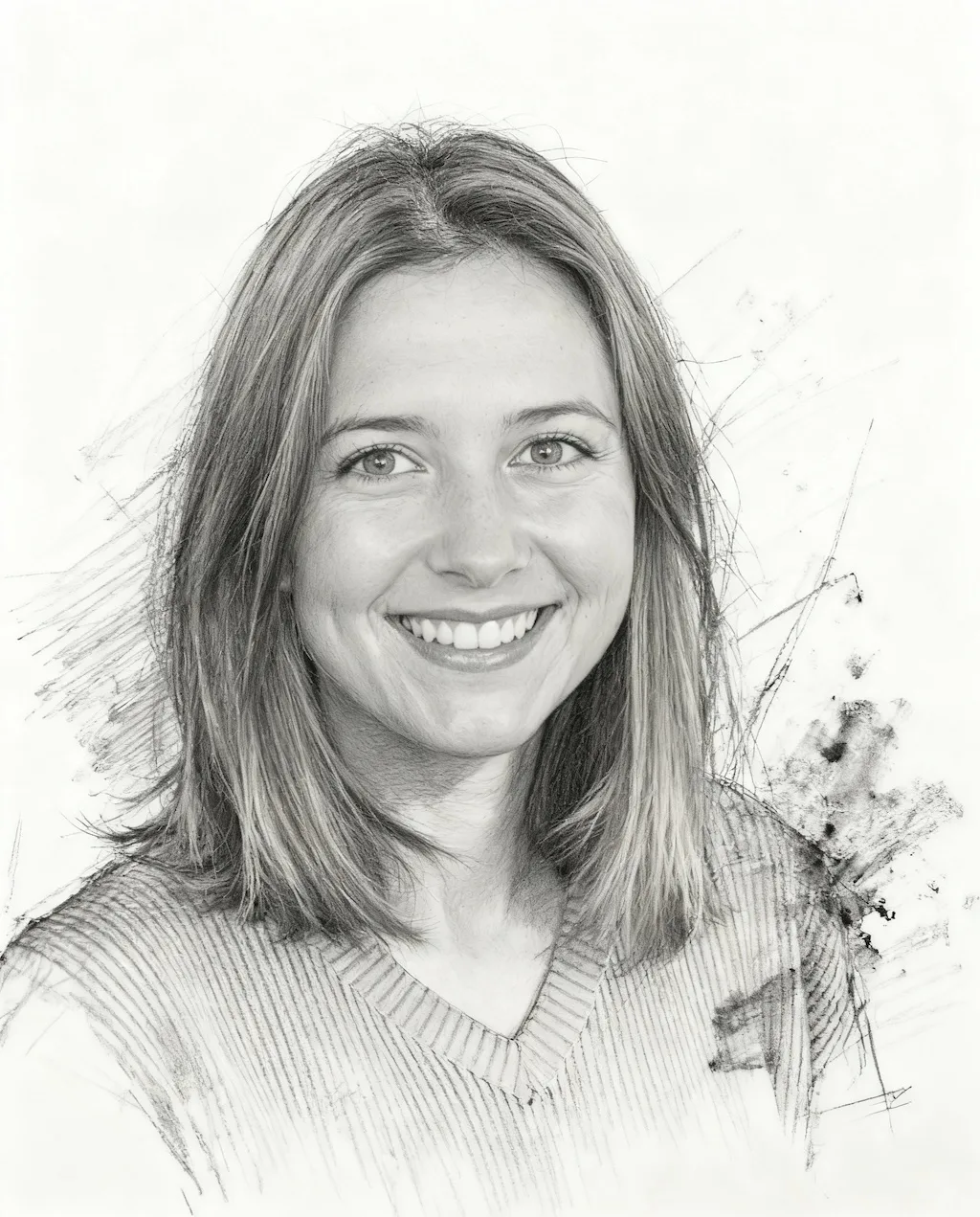
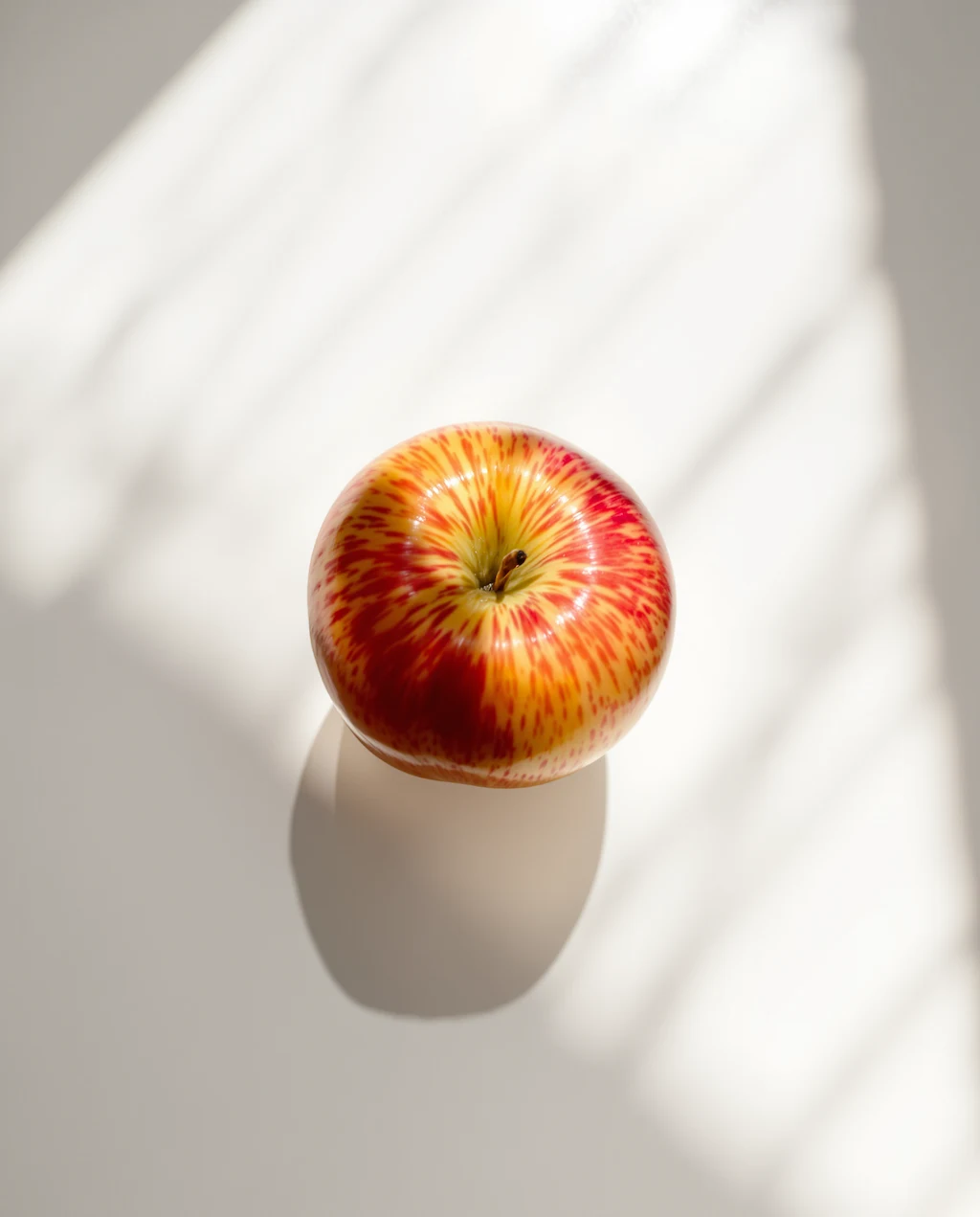
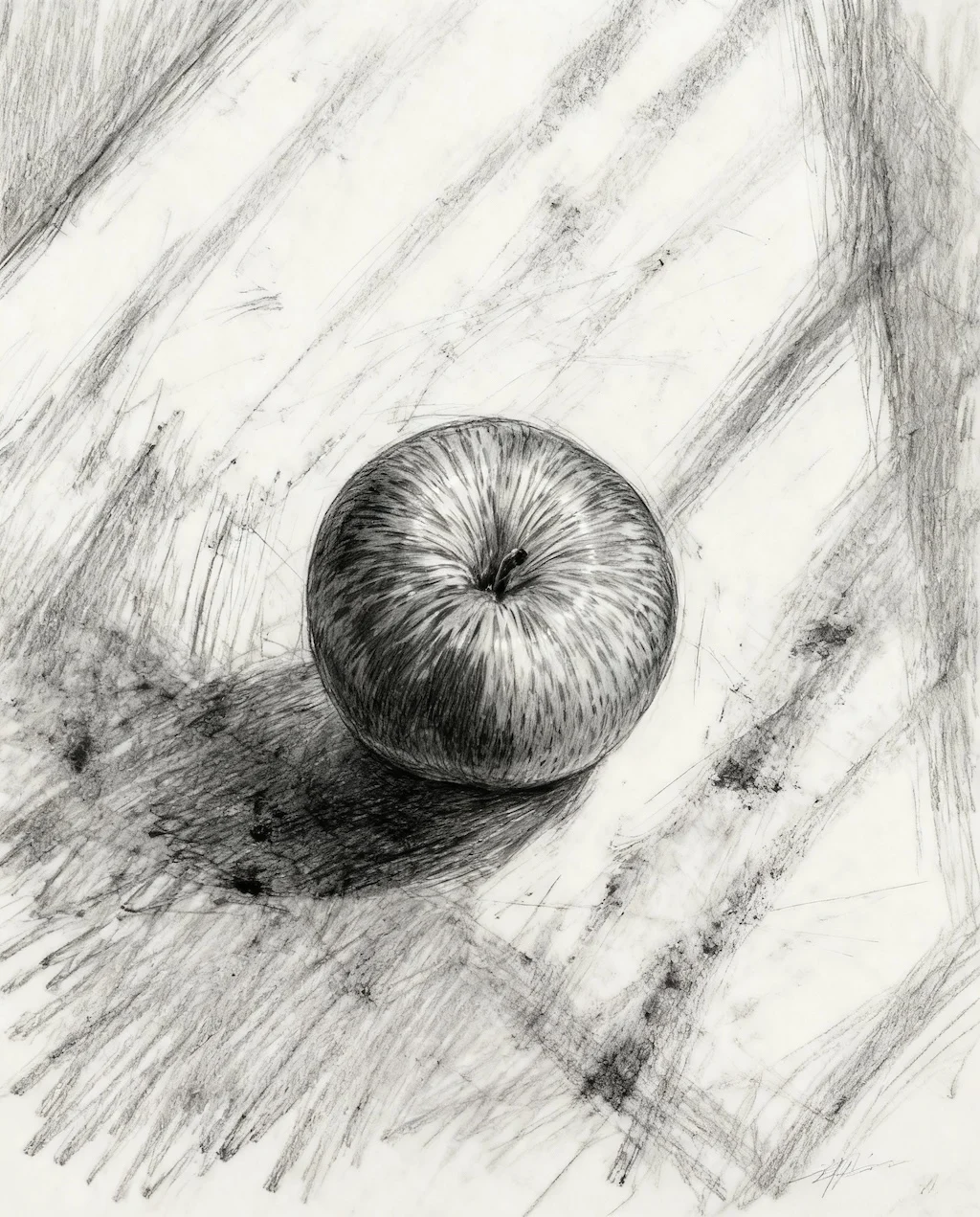
Photo To Sketch
Convert photos into artistic pencil sketches with Flux 2
Examples
See what you can create
Photo To Sketch FAQ
Common questions about using Photo To Sketch
Flux 2 analyzes your photo and recreates it as a pencil sketch with rough drawing lines, cross-hatching, shading strokes, and authentic graphite textures.
Portraits, landscapes, architecture, and objects with clear details work wonderfully. The AI preserves composition while adding artistic sketch marks and charcoal effects.
Yes! The sketches feature loose linework, visible sketch marks, and traditional drawing techniques that closely mimic authentic hand-drawn artwork.
Absolutely! These sketches are perfect for art portfolios, illustration projects, or as reference drawings. The grayscale tones and paper texture add authentic artistic value.
Still have questions? Contact support@zimage.im