
Studio Portrait Tool
Transform casual photos into professional studio portraits with black backgrounds and artistic lighting
AI-powered image editing
Z Image 6B Parameter AI
Studio Portraits
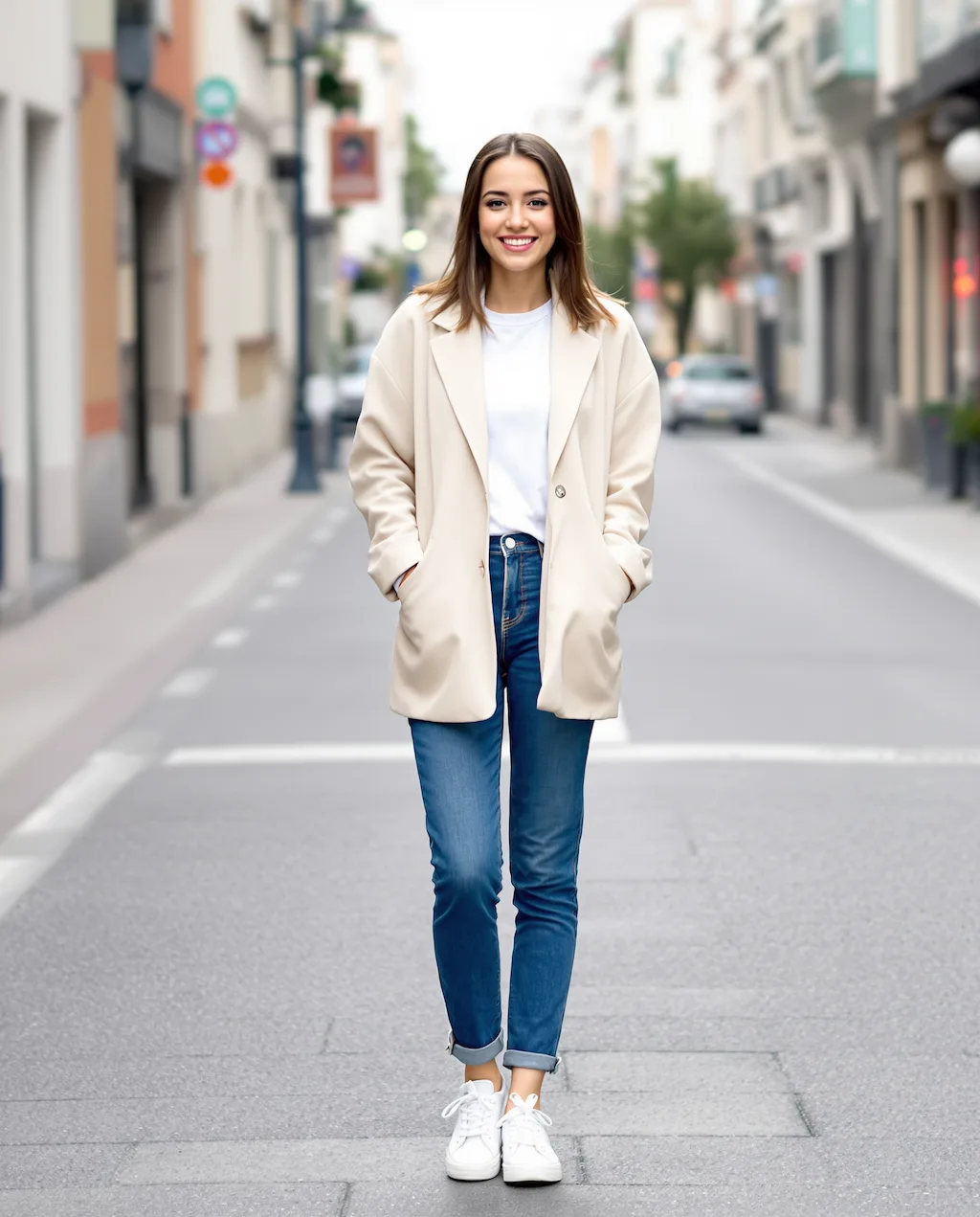
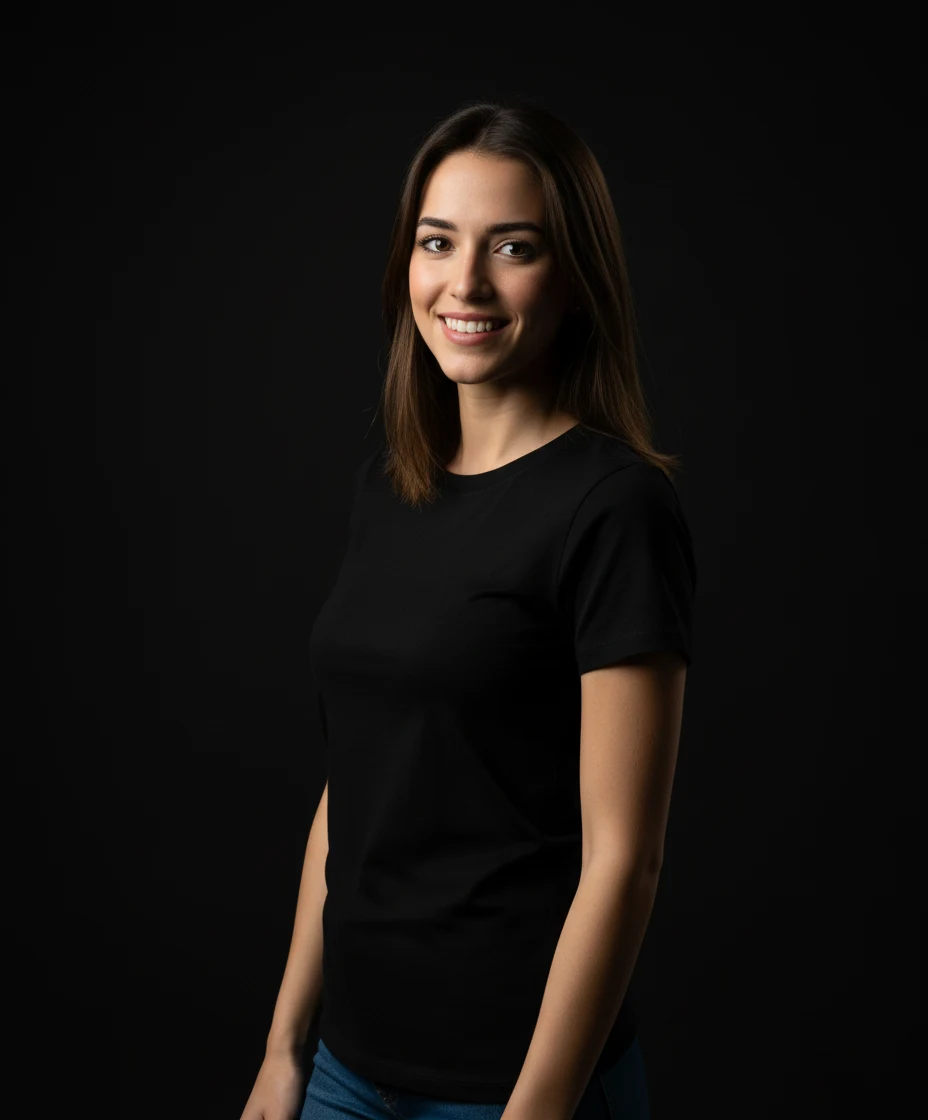
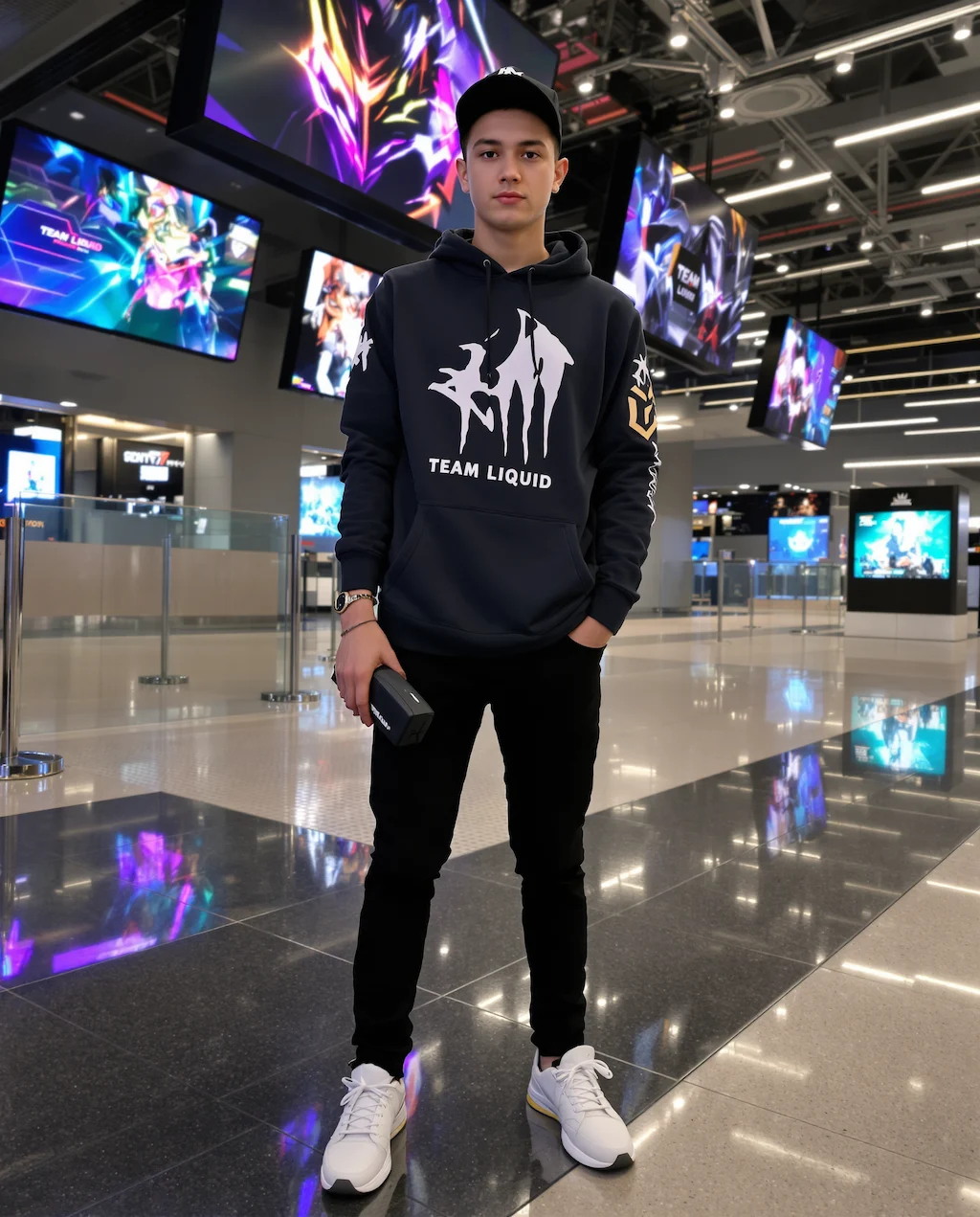
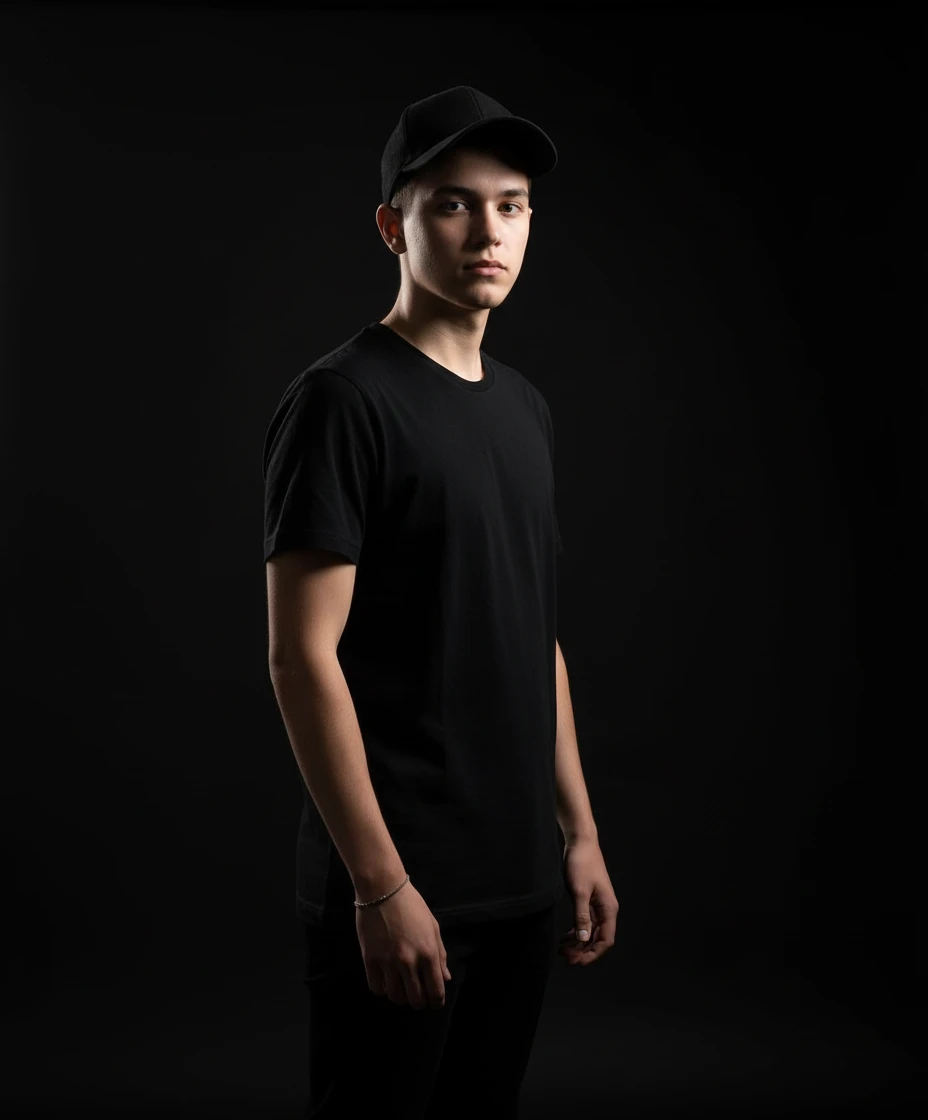
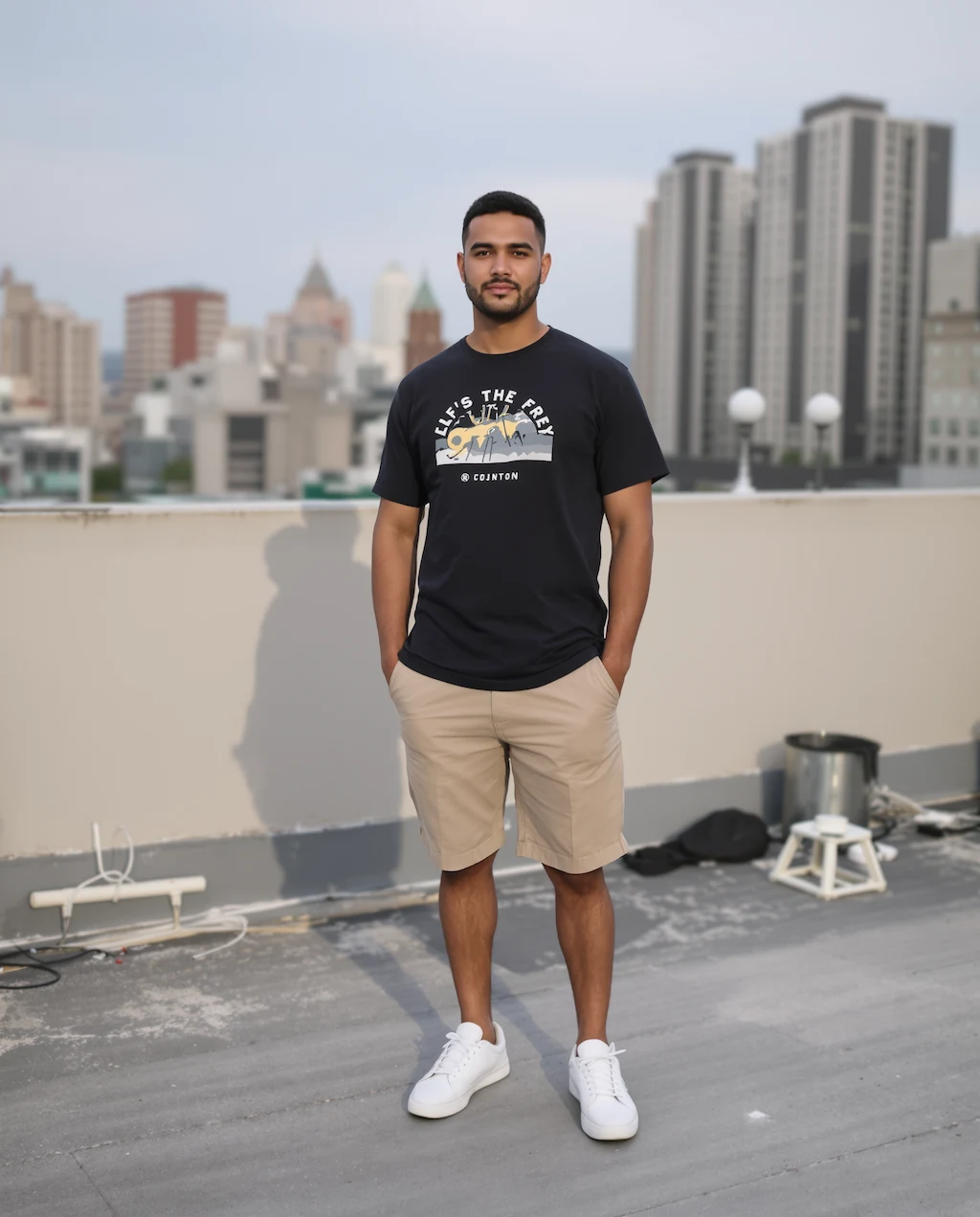
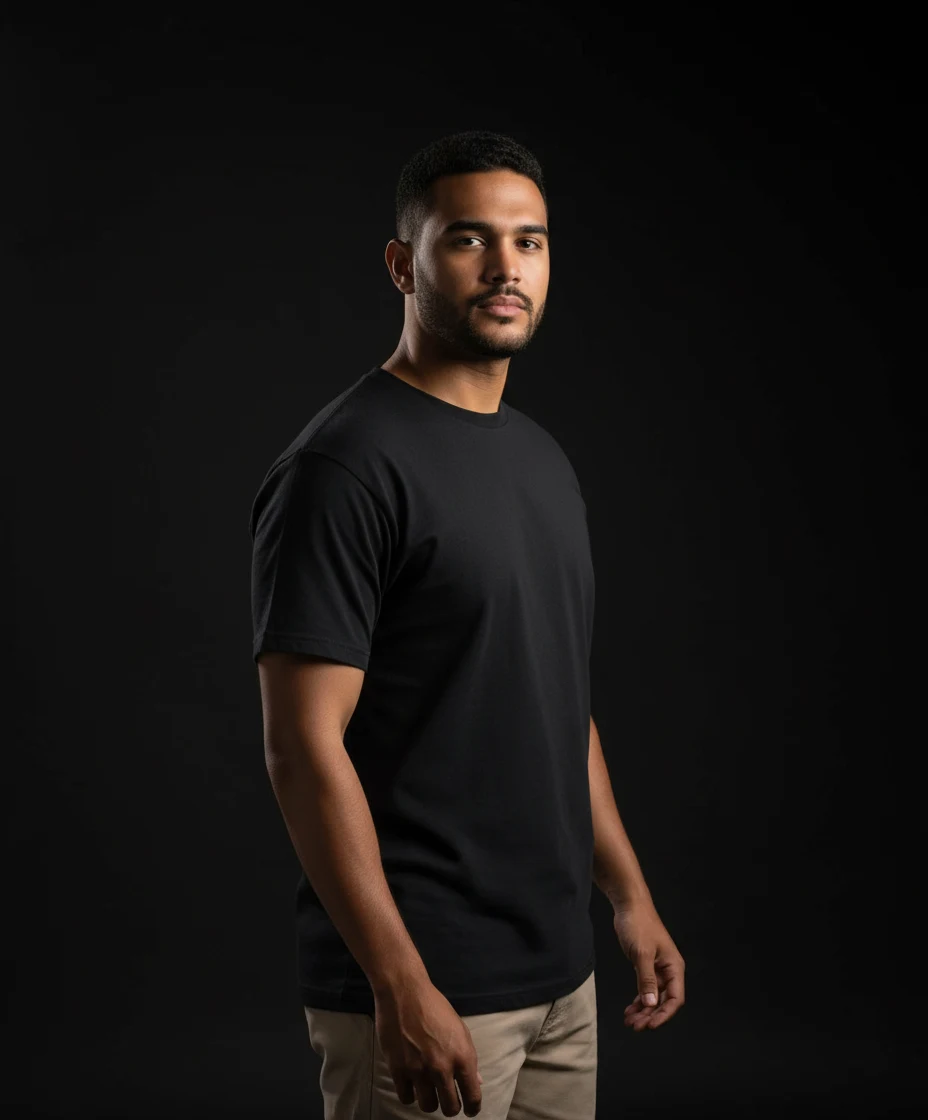
Studio Portrait Creator
Professional studio portraits with dramatic lighting using Flux 2
Examples
See what you can create
Studio Portrait FAQ
Common questions about using Studio Portrait
This Flux 2 creates professional studio photography with black backgrounds, black T-shirts, side lighting, and subtle body tilts for dramatic effect.
Any clear photo of a person works well. The AI will automatically adjust clothing, pose, and lighting to create a professional studio look.
Yes! These portraits are perfect for LinkedIn profiles, business cards, portfolios, or any professional use requiring high-quality headshots.
Flux 2 creates highly realistic studio portraits that maintain the subject's natural features while adding professional lighting and composition.
Still have questions? Contact support@zimage.im